Top 11 Free Photoshop Brush Resources Every Designer Needs in 2026
Why Photoshop Brushes Matter
Adobe Photoshop has dominated the digital imaging landscape for over two decades, serving as the go-to tool for photographers, graphic designers, and digital artists worldwide. While mastering Photoshop’s core features takes time, one of the most powerful ways to accelerate your creative workflow is through custom brushes.
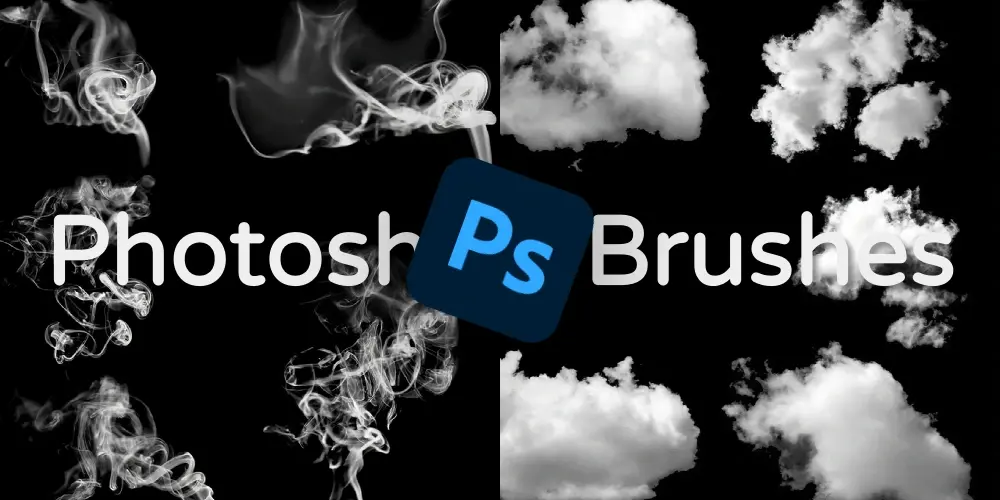
Photoshop brushes function as digital stamps that apply specific patterns, textures, or effects with each stroke. They enable rapid creation of complex visual elements—smoke effects, watercolor splashes, grunge textures, light leaks, and countless other artistic touches that would otherwise take hours to create manually.
Whether you’re designing social media graphics, marketing materials, or digital artwork, having access to high-quality brush libraries can dramatically transform your output quality and production speed.
Best Free Photoshop Brush Resources
1. Brusheezy ⭐ Editor’s Choice
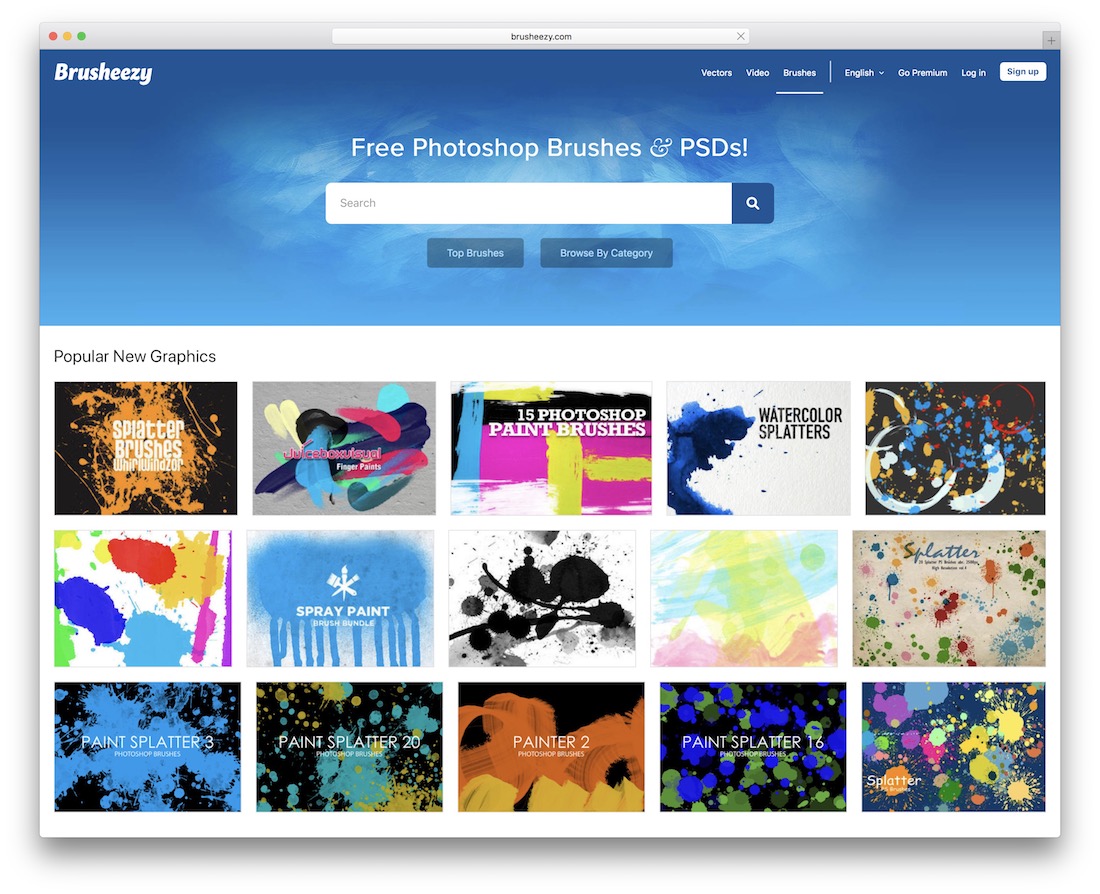
Brusheezy stands as one of the most recognized and trusted names in the Photoshop resources community. Part of the Eezy family of design resource sites, it has cultivated an active community of designers who generously share their brush creations. The platform excels in organization, making it easy to find brushes by category, style, or popularity.
Key Features:
- Thousands of free brushes across multiple categories
- Clean, user-friendly download interface
- Clear licensing information on each download page
- Active community contributions ensure fresh content
- Premium section available for advanced needs
2. My Photoshop Brushes
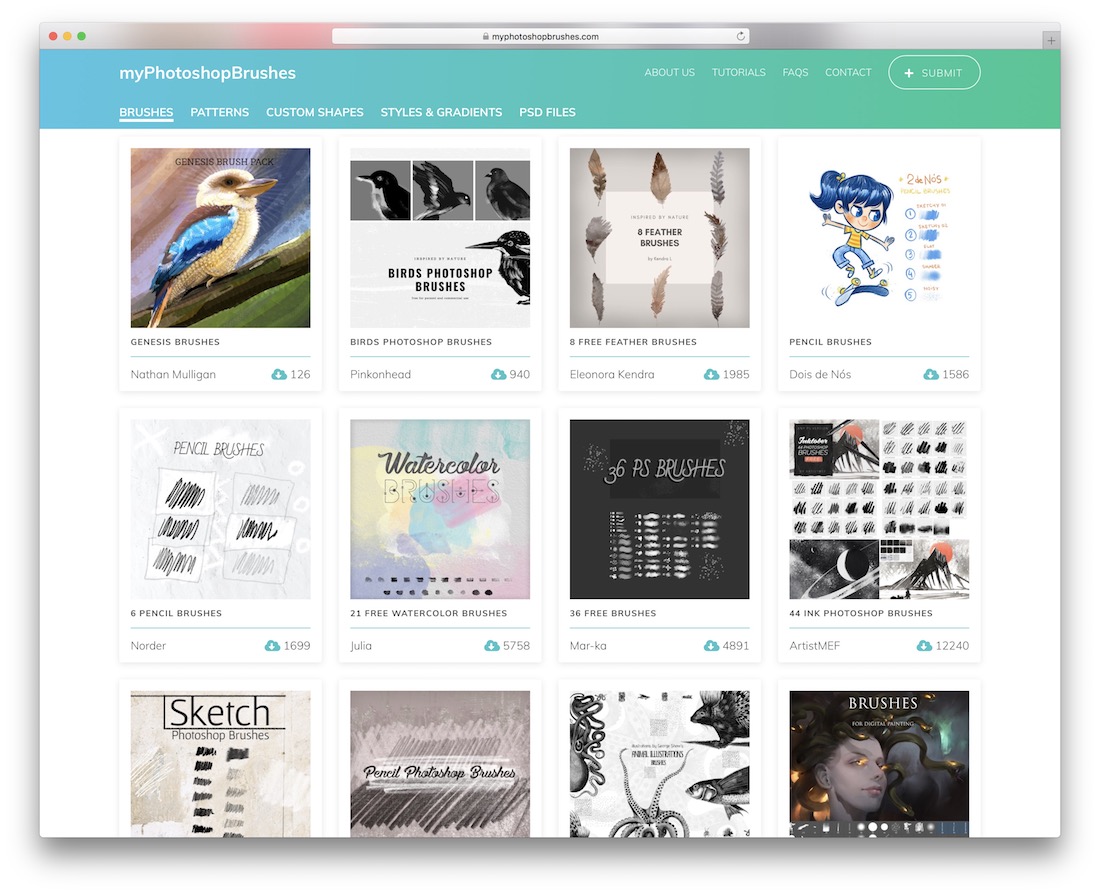
Operating as one of the web’s longest-running brush repositories, My Photoshop Brushes continues to impress designers with consistent updates and an ever-expanding database. The platform organizes content through intuitive categories and tags, making discovery effortless.
Key Features:
- Extensive categorization system for easy browsing
- Download statistics show popularity at a glance
- Additional resources: PSD files, patterns, shapes, styles, gradients
- Beginner-friendly installation tutorials included
- Retro and vintage brush collections available
3. BrushLovers
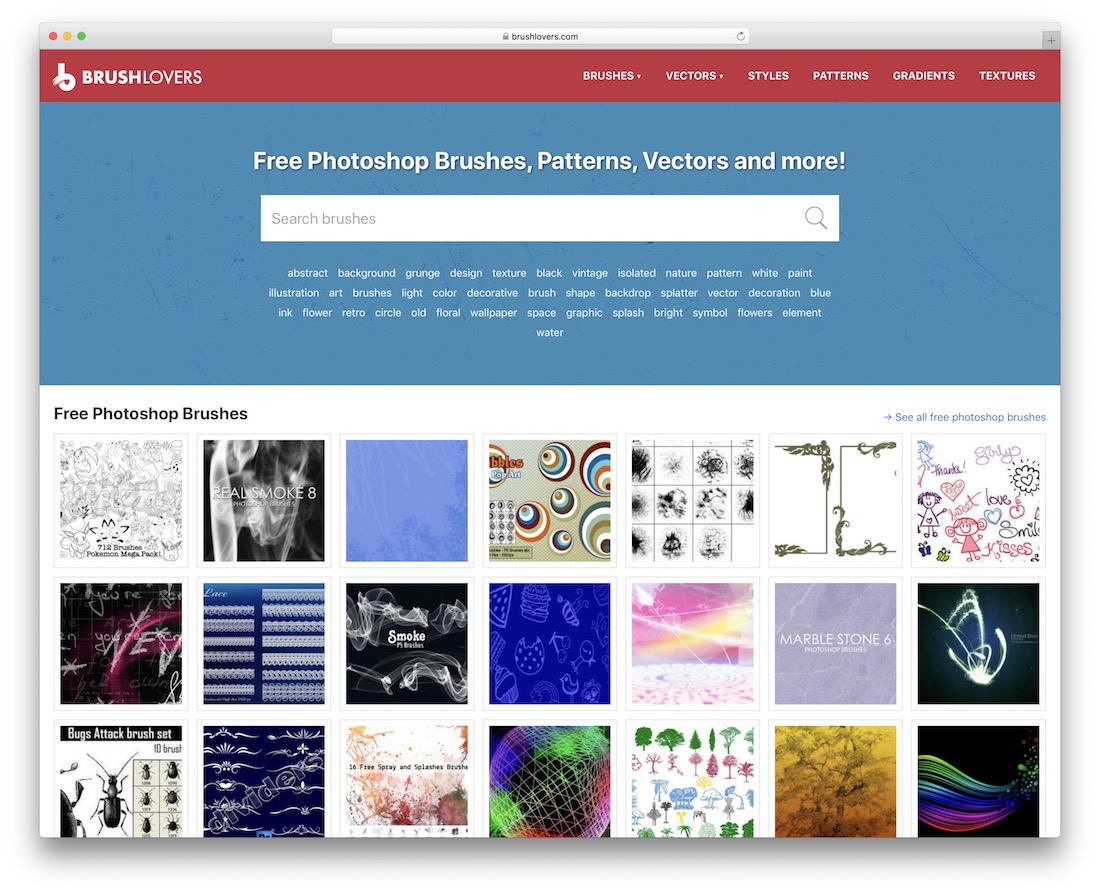
BrushLovers has positioned itself as a brand exclusively focused on Photoshop brushes, and this specialization is evident in the quality of their offerings. Their curated collection spans categories that cater to both conventional design needs and highly creative, experimental projects.
Key Features:
- Curated, premium-quality brush selections
- Unique designs difficult to find elsewhere
- Suitable for client work and commercial projects
- Responsive support team for licensing questions
- Professional-grade resolution for print work
4. All Free Downloads
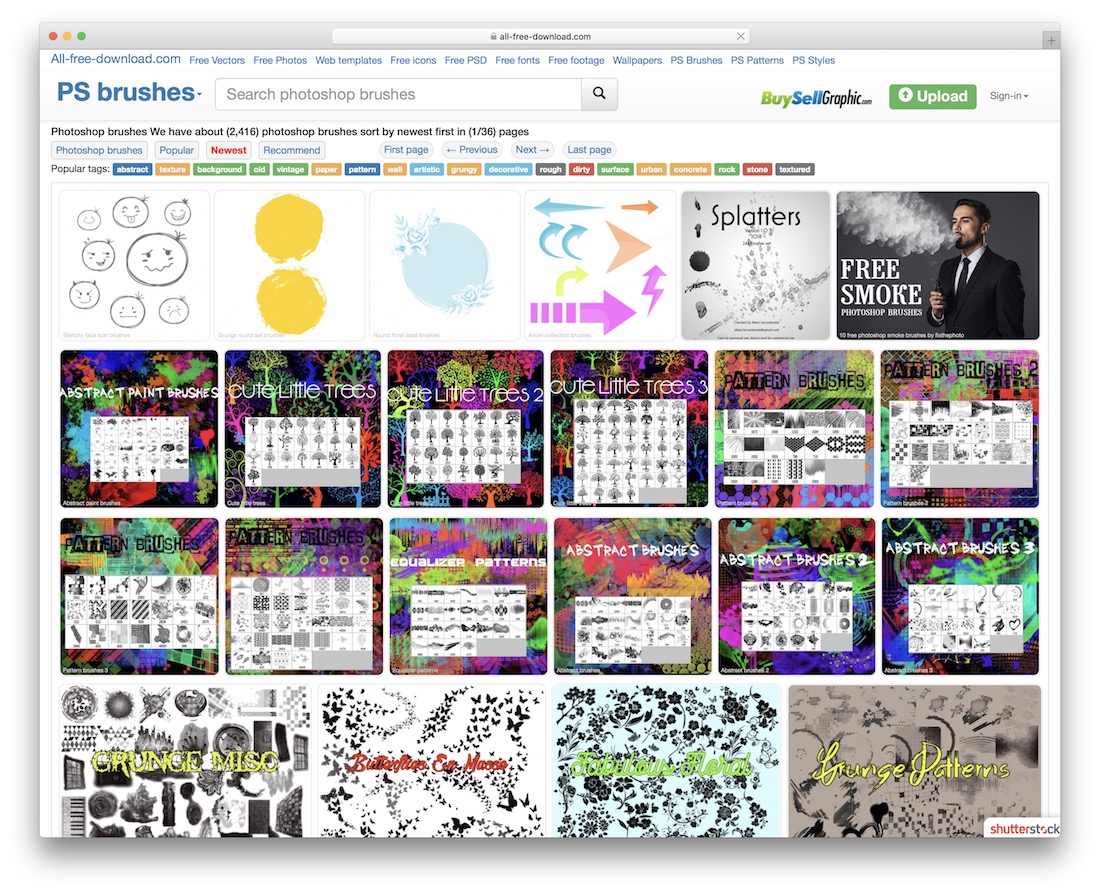
All Free Downloads extends beyond brushes to include vector graphics and PSD content, making it a versatile resource hub for comprehensive design projects. Their brush library contains over 2,000 unique packages covering an extensive range of styles and categories.
Key Features:
- Massive library of 2,000+ brush packages
- Multi-format design resources in one place
- No registration required for downloads
- Wide stylistic variety from vintage to modern
- Vector graphics and PSD files also available
5. FBrushes
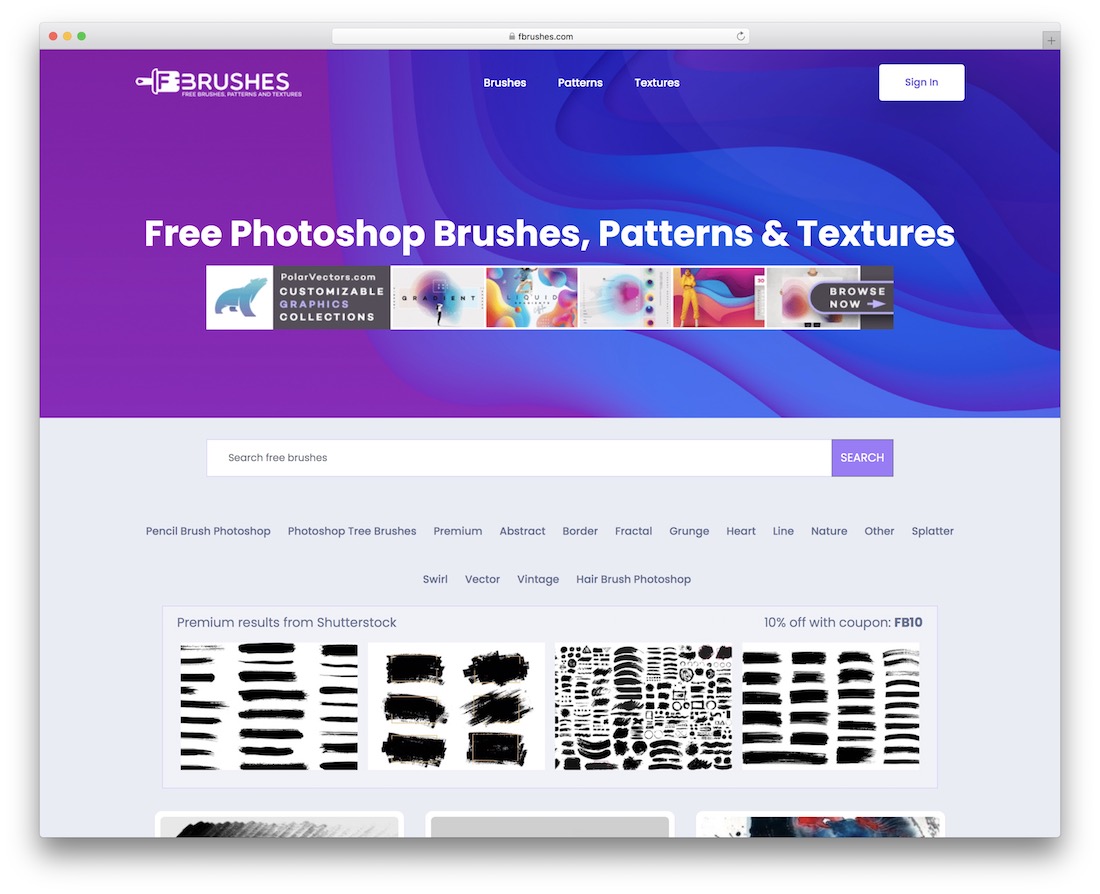
FBrushes operates across three primary categories: brushes, patterns, and textures—all compatible with both Adobe Photoshop and Illustrator. This cross-platform approach makes it particularly valuable for designers working across multiple Adobe applications.
Key Features:
- Brushes, patterns, and textures in one place
- Adobe Illustrator compatibility
- Mix of classic and contemporary designs
- High-quality curation standards
- Grunge and texture-focused collections
6. inObscuro (by Nela Dunato)
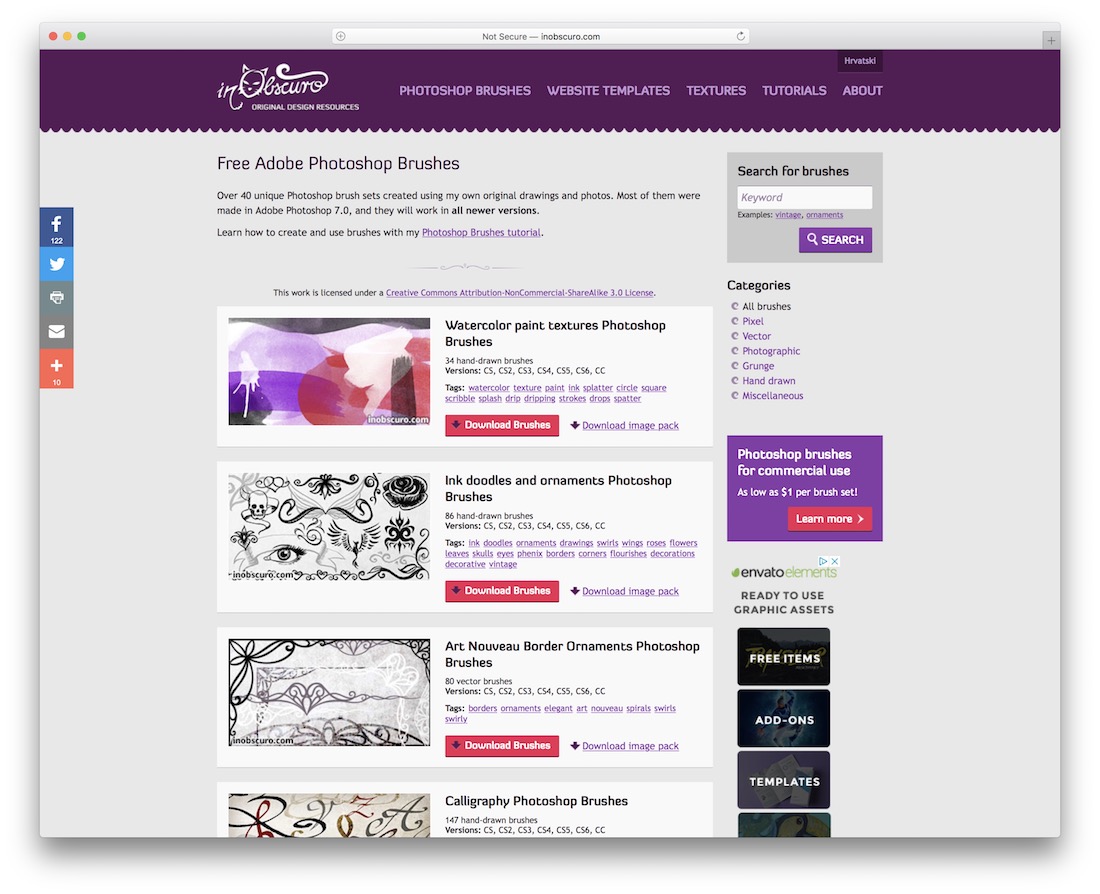
inObscuro represents the personal portfolio of Nela Dunato, a graphic designer who has spent over a decade creating and sharing Photoshop content. This personal touch results in brushes with distinctive artistic qualities that stand apart from mass-produced alternatives.
Key Features:
- Handcrafted, unique brush designs
- 10+ years of curated artistic content
- Premium options available for advanced needs
- Distinct artistic vision in every pack
- Watercolor and paint-effect specialties
7. Freepik
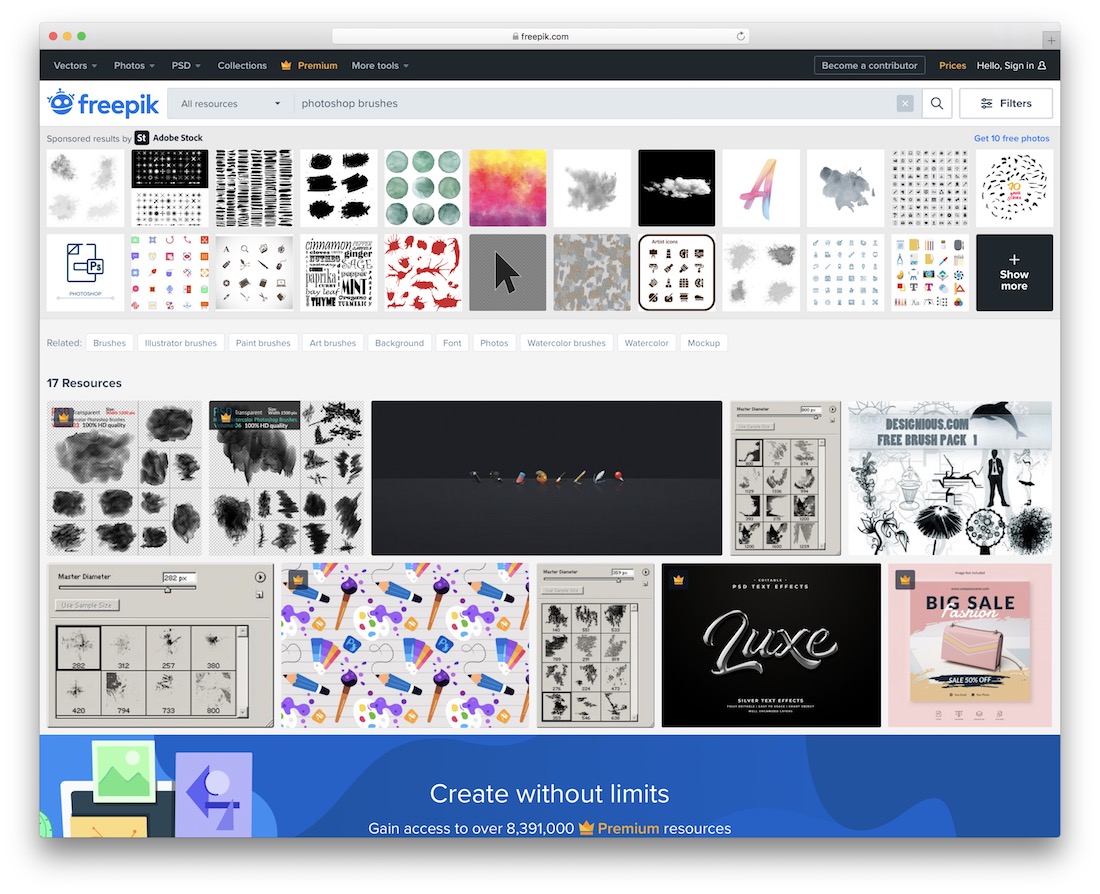
Freepik has established itself as a massive repository for vectors, graphics, stock images, and Photoshop brushes. The platform’s extensive search functionality and professional curation make finding specific brush styles straightforward.
Key Features:
- Massive, professionally curated library
- Original and unique brush kits
- Easy-to-use formats for all skill levels
- Watercolor, texture, and specialty options
- High-resolution files for print projects
8. DeviantArt
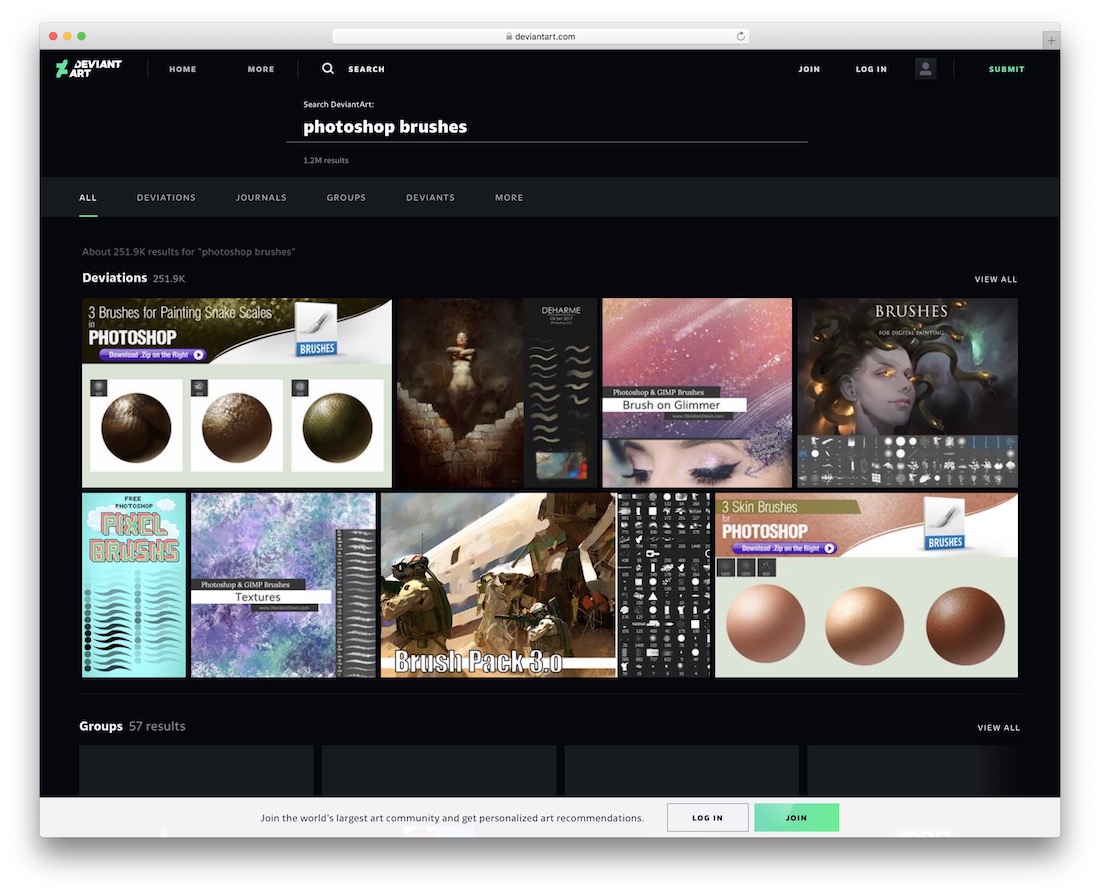
DeviantArt stands as one of the internet’s largest creative communities. Within its vast ecosystem lies an enormous collection of Photoshop brushes created by artists from around the world, offering unparalleled variety and unique artistic perspectives.
Key Features:
- Massive community-driven library
- Browse by artist, collection, or search
- Unique artistic perspectives from global creators
- Free and premium options available
- Anime, manga, and specialty styles
9. Bittbox
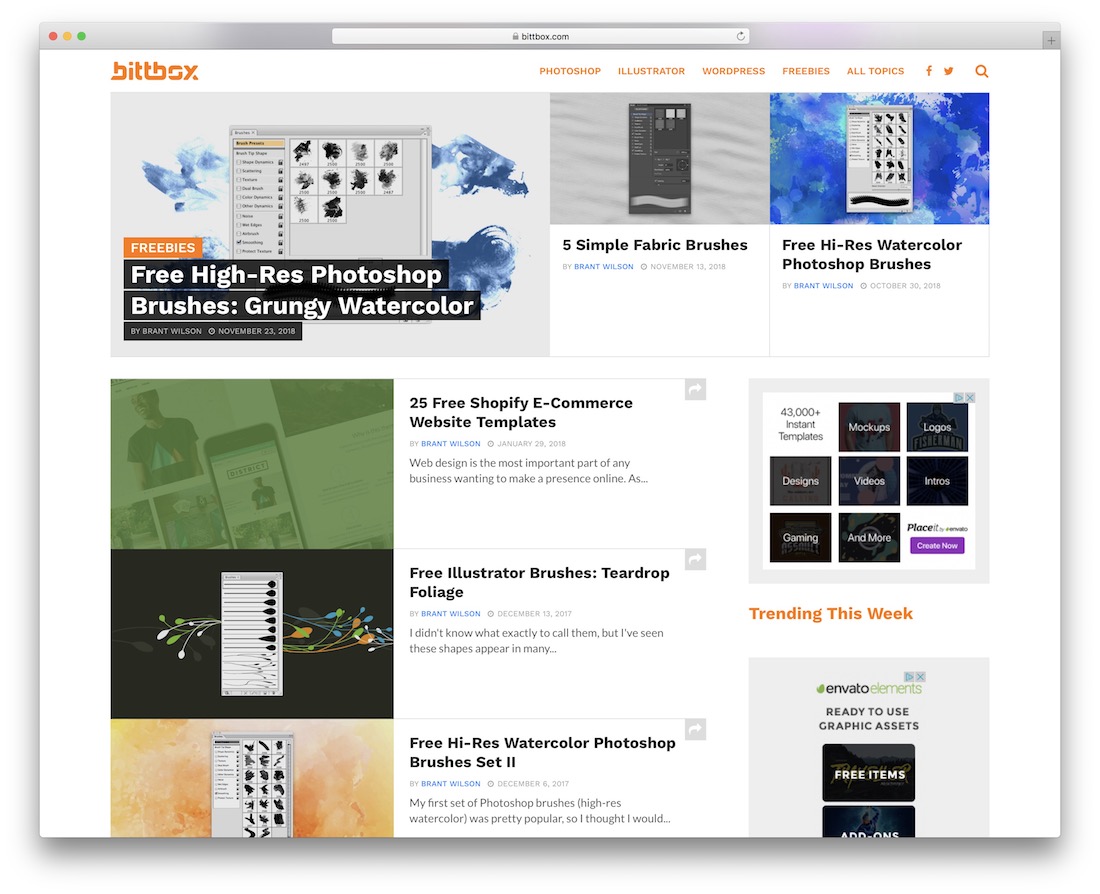
Bittbox focuses on quality over quantity with their brush offerings. Their freebies section contains high-resolution elements that maintain clarity in any project size, making them particularly valuable for print and large-format designs.
Key Features:
- High-resolution brush elements
- Focused, quality-curated selection
- Unique decorative elements
- Crystal-clear output quality
- Watercolor and ink brush specialties
10. Obsidian Dawn
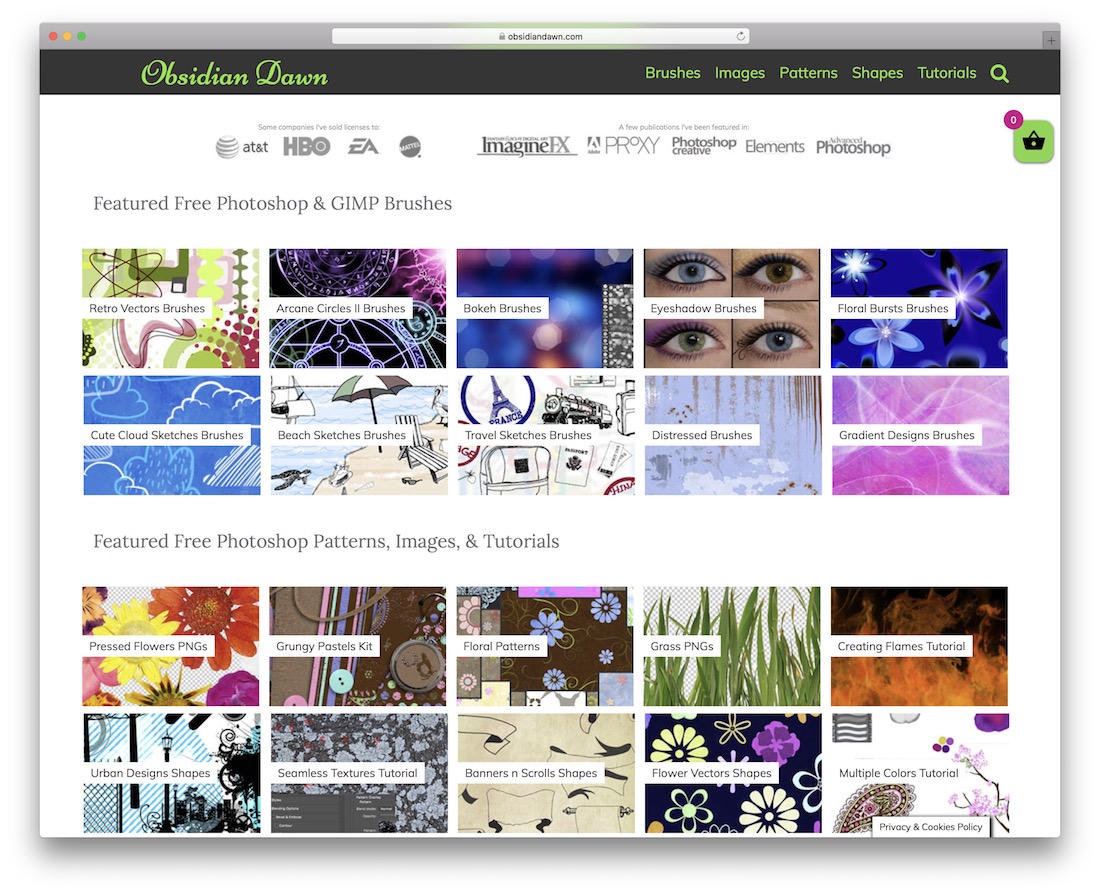
Obsidian Dawn has served the Photoshop community for over a decade, earning recognition in prestigious design publications. Their reputation for artistic, creative, and authentic content remains well-deserved, with brushes that feel genuinely handcrafted.
Key Features:
- 10+ years of industry presence
- Featured in major design publications
- Professional-quality brush sets
- Complementary tutorials available
- Fantasy and nature-themed collections
11. WOW Brushes
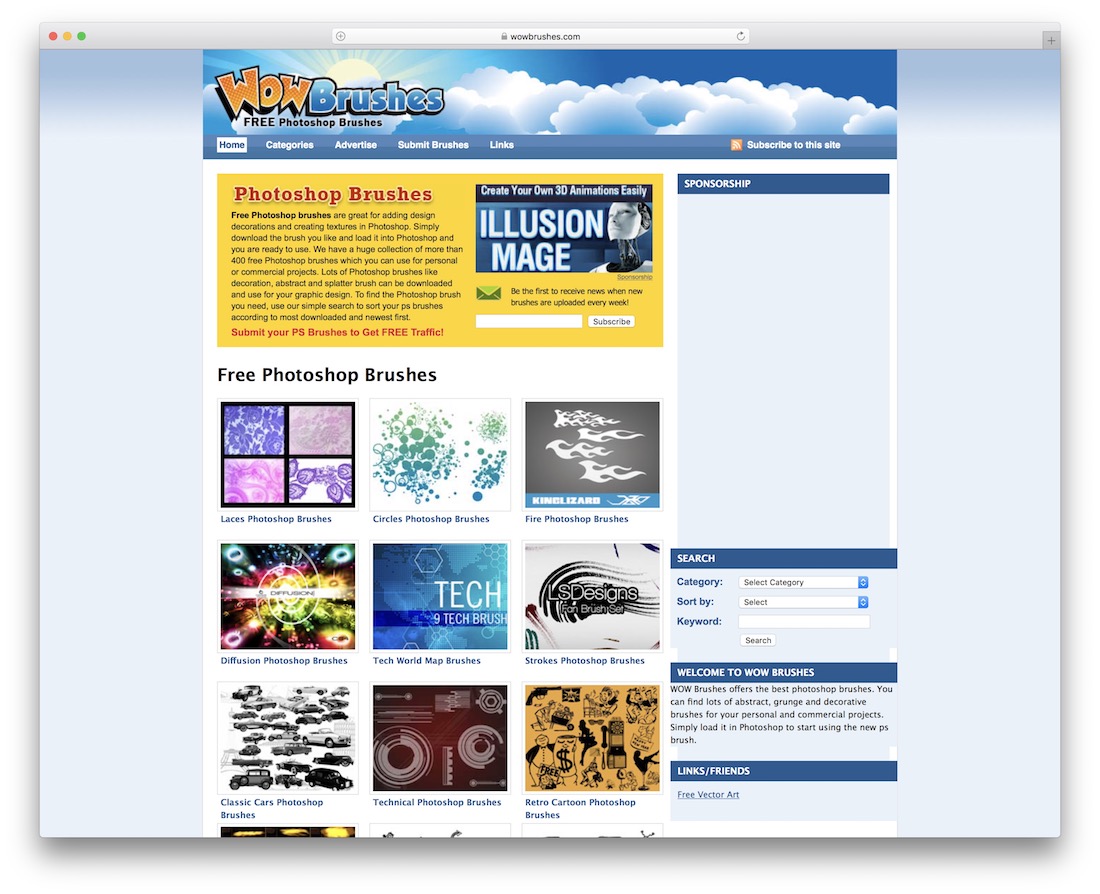
WOW Brushes archives exceptional Photoshop brush packs with a curated “best of the best” approach. While the site hasn’t been actively updated recently, the existing archive spans over 20 pages of quality content available for immediate download.
Key Features:
- Curated “best of the best” approach
- 20+ pages of archived content
- Instant downloads without registration
- High-quality selections from various creators
- Grunge and texture-focused options
Quick Comparison
| Resource | Free Content | Premium | Commercial Use | Best For |
|---|---|---|---|---|
| Brusheezy | ✅ 1000+ | ✅ | ✅ | Beginners & Variety |
| My Photoshop Brushes | ✅ | ❌ | ✅ | Retro Styles |
| BrushLovers | ✅ | ✅ | ✅ | Professional Work |
| All Free Downloads | ✅ 2000+ | ❌ | ⚠️ Check | Large Library |
| FBrushes | ✅ | ❌ | ✅ | Patterns & Textures |
| inObscuro | ✅ | ✅ | ✅ | Artistic/Unique |
| Freepik | ✅ | ✅ | ⚠️ Attribution | Comprehensive |
| DeviantArt | ✅ | ✅ | ⚠️ Check Artist | Community/Unique |
| Bittbox | ✅ | ❌ | ✅ | High Resolution |
| Obsidian Dawn | ✅ | ❌ | ✅ | Fantasy/Nature |
| WOW Brushes | ✅ | ❌ | ⚠️ Check | Curated Quality |
How to Install Photoshop Brushes
After downloading your chosen brushes, installation is straightforward:
- Download the
.abrfile from your chosen resource - Open Adobe Photoshop
- Select the Brush tool (keyboard shortcut:
B) - Click the brush dropdown in the options bar
- Click the gear icon → select “Import Brushes”
- Navigate to your downloaded
.abrfile - Select the file and click “Open”
Your new brushes will appear in the brush panel, ready for immediate use!
Conclusion
Mastering Photoshop is an ongoing journey, and brushes represent one of the most powerful tools for accelerating your creative process. Each resource in this guide offers something unique—from community variety to professional curation, from artistic uniqueness to comprehensive libraries.
Recommendations:
- Beginners: Start with Brusheezy for variety and ease of use
- Professionals: BrushLovers offers premium-quality for client work
- Artists: inObscuro provides unique, handcrafted brushes
- Texture seekers: FBrushes specializes in patterns and textures
The right brush can transform an ordinary design into something extraordinary, and these free resources make that transformation accessible to every designer, regardless of budget.